If you’re visiting for the first time, Welcome!
Hello there! My name is Peter, and I’m an avid figure photographer & collector.
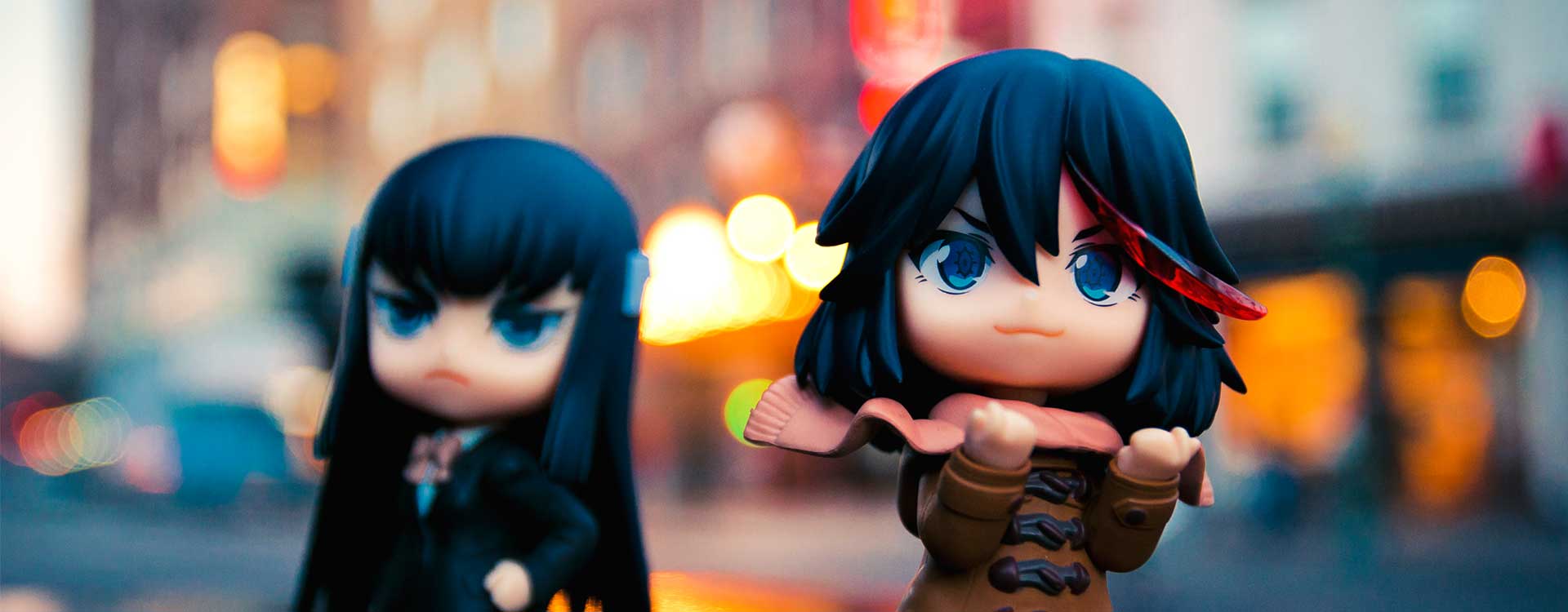
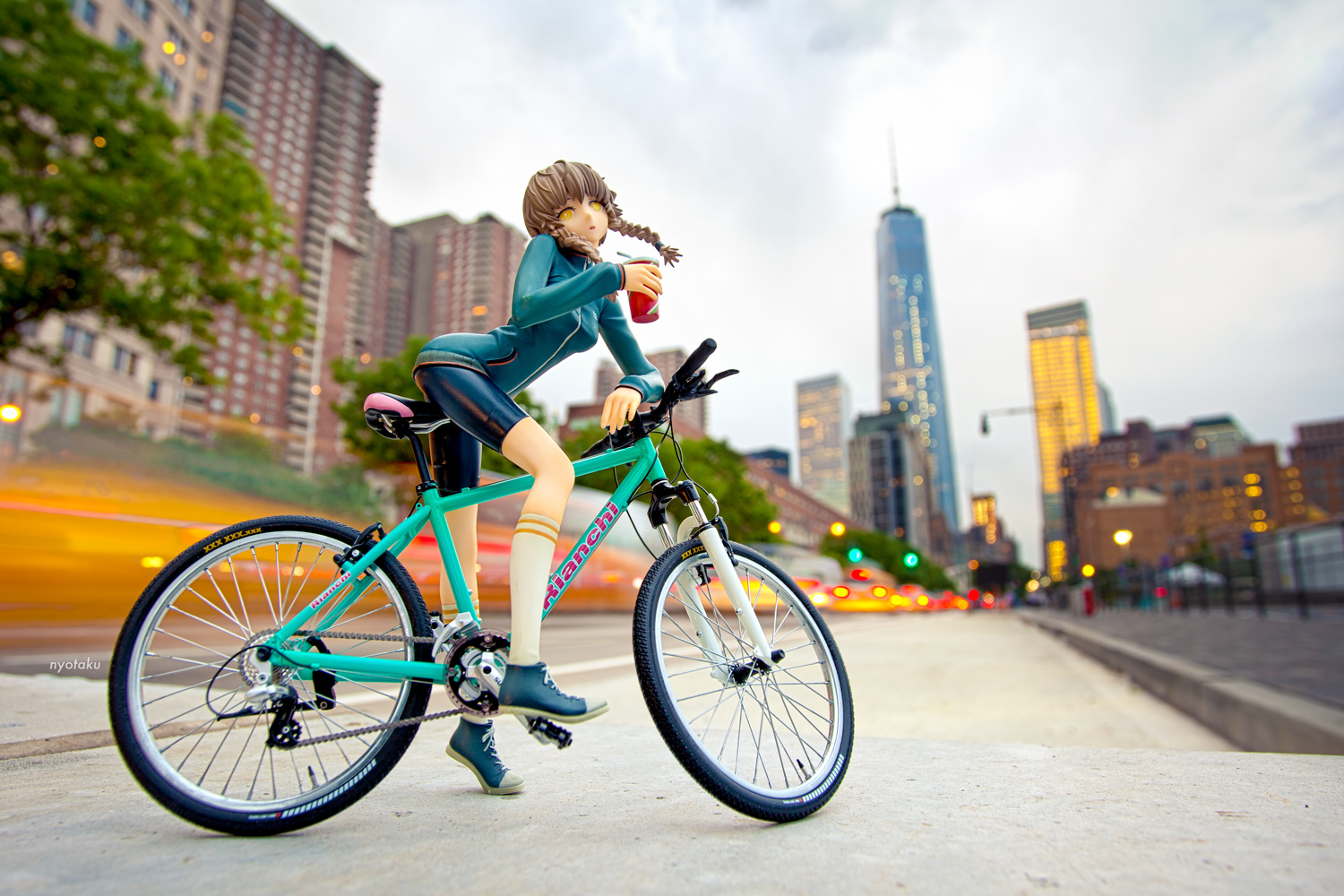
This site is mostly Dedicated to figure photography, but will also often feature cosplay & convention photos from the various conventions that I attend throughout the year. As you might be able to tell, my main method of figure photography is to bring my figures out and about and photograph them in the real world which is something I love doing! I always try to push myself with how I photograph figures, and love the challenge of seeing how I can make a tiny figure look like it belongs in the real world. I enjoy sharing my photos not only here on my blog, but with the figure community as well. Without all the loving support and inspiration from the various figure communities I probably wouldn’t have even started my blog in the first place! Hopefully as time goes on and I learn more and more I can continue to improve my photos both technically and visually!
I hope you all enjoy my photos as much I enjoy making them. Nice to meet you!
You can also find me on these sites:







Contact:
Should you need to contact me with a question or concern, you can either comment below or email me at:
nyotakublog@gmail.com
Thanks for visiting!

Great blog keep up the work
Hi, my name is Chris and you have inspired me to make my own anime blog to update my friends. i am kinda noob a blogging so i was wondering if you can teach me how you put the hachune tunes? and the tohou head thingy >_<
Sure! The way I put them on my blog was through a widget. You can find your available widgets under you “appearance” menu (which can be found if you go to your dashboard and look along the side). Under the appearance menu click on “widgets”, which will bring you to a list of widgets that can be put on your blog. To add a widget, simply drag it over to a menu to your to your right (it should say “sidebar 1” or something of that nature). The widget(s) I used were called “image”, so drag that over to the right. Then, you must link to the image you want to put there. You can upload an image to an image hosting service such as flickr or photobucket. Once it is uploaded there, copy the image URL and paste it into the space in the widget labeled “image URL”. You can also add a title, a caption, a name for the widget, and finally you can link the displayed image to a particular website (like how you click on the yukkuri or Hachune tunes on my blog and it takes you to another page).
Well, that was allot of text, but I hope that I could be of help to you!! not sure if every thing is exactly the same as compared to the blog you are setting up. Some settings might vary by blog version, Im not sure though.
If you have any other questions, feel free to comment!
Hey there, hope you don’t mind me adding you to my blogroll 😀
Thank you for adding me! I will be sure to add your blog here too ^^.
Hi! I’ve added you to my blogroll with a banner and since the banner you’ve provided is not big enough as compared to the dimension I want, I’ve customized one myself for you using your header. I hope you don’t mind me doing so (well, you probably don’t since you said it’s okay to do so :D), or otherwise, you can always send me the banner you want me to use in the dimension of 174 x 60. I look forward to more updates from your blog!
Cool thanks! Yeah it’s perfectly fine for you to make yourself a custom banner, which by the way looks good! I might even use it for my blog from now on ^^.
Thanks for adding me, I’ll be sure to follow your blog as well and add your site to my sidebar ^^.
By all means, feel free to use the banner I’ve made! I’ll be really glad! And thank you, I hope you’ll like my blog as much as I like yours!
Doumo-Hajimemashite, Bob-san! 😀 As a fellow anime-lover(otaku for short! xD), I have to say that I’m interested with your blog, mate! @_@ Anyways, I’m still new on blogging, would you mind giving me a tutorial on how to set up and display banners? o3o
Sure! The way I have banners displayed on my blog sidebar is using the widgets that come with wordpress. You can widgets under the appearance tab in your wordpress dashboard. If you have a banner you want to display upload the image to your wordpress media gallery. Then, use the blog widget titled “image”. Copy the image URL from your media gallery into the widget, and the banner should display! You can also make the image link to whatever you want, which you will see in the widget options. Hope this helps, don’t be afraid to ask more questions!
Also I’ll be sure to check out your blog as well! ^^
Thankx for the tip, mate! I’ll be sure to try it out, and please do! 😉
hello once again, Bob-san! 😀 just to be sure, am i following this blog? o3o because i can’t find the follow button anywhere on this site! xD I appreciate it that you raised my banner on your site! thankx mate! 😀 oh, and one more thing, could you please update the banner, since I just made a new one here :
http://72otakuoid.wordpress.com/link-exchange/
Just updated your banner :). I’m not sure if you’re following my blog or not.. if you get some sort of notification from me posting my recent post then I guess so (I don’t know how to see who’s following my blog ^^;). I know most wordpress blogs have a follow button but I’m not sure how to add one here, I’m still new to this whole self-hosted wordpress thing ^^;. Try the subscribe to blog via email (it’s a field on my sidebar) and I think that should work. There’s also subscription via rss feed if you have a feed subscription service.
A FELLOW NENDOROID LOVER! Of course we have to exchange links! Nendooooooo love all the way! XD
Nice to meet you!~ I’ve added you to my sidebar, hope you don’t mind I made a banner for your site so I can use it ^^. Good to meet another nendoroid enthusiast!
Hey there, I banner linked to your blog in my ‘links’ section 🙂 I’m fairly new to the figure and photography side of otakudom but I’m keeping an eye on your blog – really digging the visual style and the pics are top. You can link back to me if you feel like, I don’t have a banner but feel free to make one if you feel creative, I promise I won’t co-opt it 😀 http://therandommuseum.blogspot.it/